Choosing an ERP system in 2026 is no longer just an IT decision—it’s a business strategy decision. Every department today depends on data, automation, and real-time visibility. The right ERP system can connect your entire company, while the wrong one can slow everyone down.
If you’re planning to invest in an ERP, here’s a practical checklist to help you make the right choice.
1. Start With Your Real Problems (Not the Software)
Before you even talk to vendors, talk to your departments.
Ask questions like:
- What work is repetitive or manual?
- Where do delays happen?
- Which reports take too long to prepare?
- Where do errors happen frequently?
Most ERP vendors offer standard features like:
- Inventory management
- Sales tracking
- Purchase management
- Production management
- Dispatch tracking
If these are your only needs, many options will fit.
But in 2026, most growing companies need more than just the basics.
You may also need:
- HR management
- Document management
- Multi-branch control
- Multi-user access
- Android & iOS mobile apps
The clearer your requirements, the easier the decision becomes.
2. Cloud vs Local Server — A Critical Decision
One of the biggest ERP decisions is where your data lives.
Cloud-based ERP system
- Accessible from anywhere
- Automatic backups
- Easier updates
- Ideal for growing and multi-branch companies
On-premise (local server) ERP system
- Full internal control
- Higher maintenance cost
- Requires in-house IT support
In 2026, cloud ERP is generally recommended for medium and large organizations because of scalability and security. Always confirm backup and disaster recovery options before choosing.
3. Choose Industry-Specific Features
Every industry has unique workflows.
A manufacturing company and a trading company cannot use ERP in the same way.
Examples:
- Manufacturing needs BOM & production tracking
- Trading needs strong stock movement control
- Service companies need project and document management
Make a priority list of industry-specific requirements and choose an ERP software that already supports them.
4. User Experience Matters More Than You Think
Your ERP software will be used daily by:
- Sales teams
- Warehouse staff
- Managers
- Accounts
- HR teams
If the interface is confusing, adoption will fail.
Look for:
- Clean dashboard
- Easy navigation
- Mobile access
- Quick search and reports
A modern ERP software must be simple enough for non-technical users.
5. Customization Flexibility
No company works exactly the same way.
Your ERP software should adapt to your workflow—not force you to change everything.
Check if the ERP allows:
- Custom fields and reports
- Role-based permissions
- Workflow customization
- Industry-specific modules
Customization capability is what turns a good ERP into the right ERP.
6. Core Modules Every ERP System Must Have
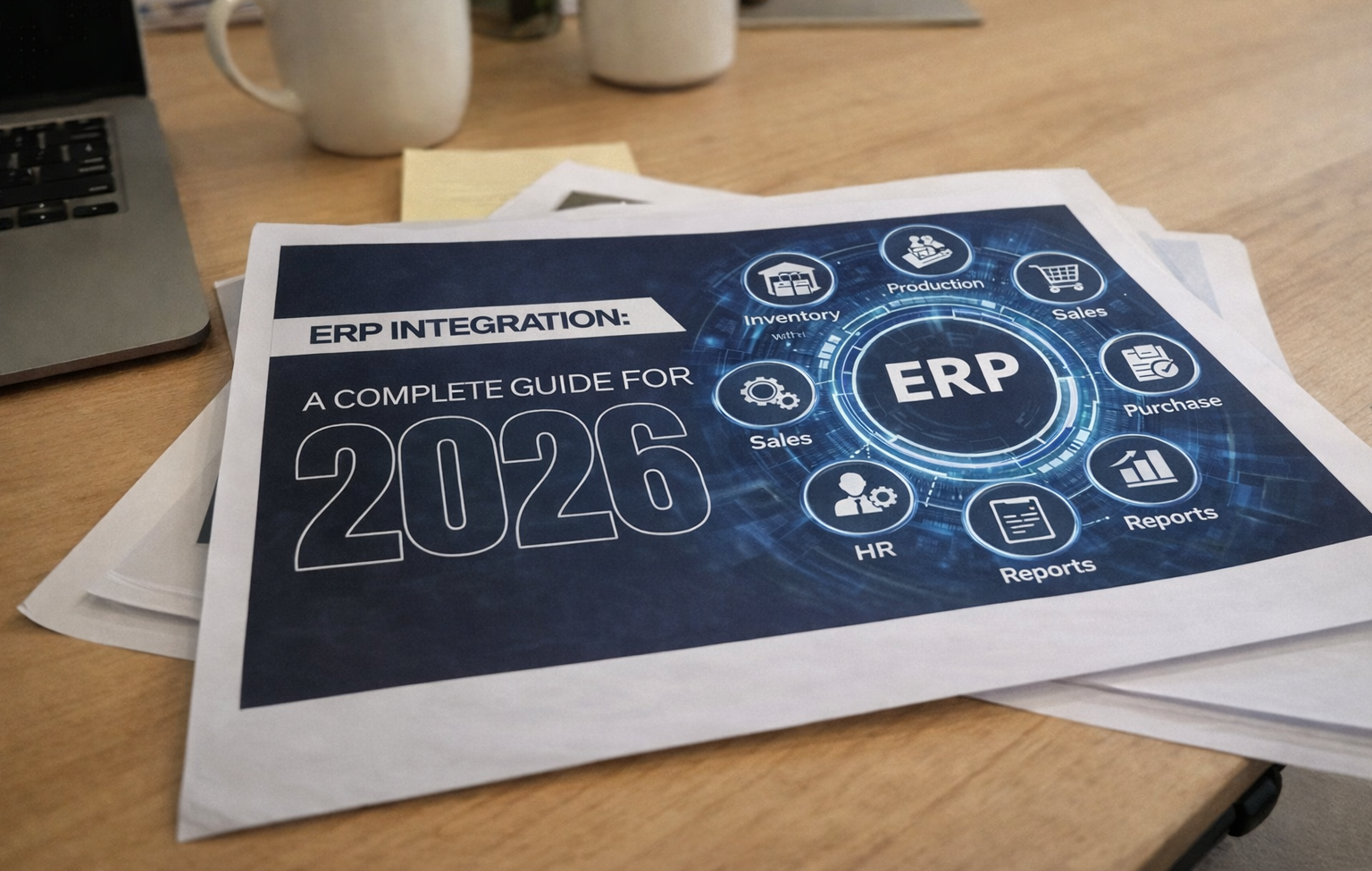
At minimum, your ERP system should connect these modules into one dashboard:
- Inventory / Stock Management
- Sales Tracking
- Purchase & Procurement
- Production Management
- Dispatch Management
The biggest value of an ERP system is integration—all departments working from the same data in real time.
7. Check the Vendor’s Support Quality
ERP is not a one-time purchase. It’s a long-term partnership.
Ask the vendor:
- How fast is customer support?
- Do they provide on boarding and training?
- Is there a dedicated support team?
- What happens during downtime?
Good support can save your business during critical situations.
8. Verify Company Experience & Client Base
Before finalizing any ERP system:
- Check how many years the company has been in the ERP field
- Ask for client references
- Read reviews and testimonials
- See real case studies
Experience often reflects stability and reliability.
9. Look for Future-Ready Features
Modern ERP systems offer advanced tools that give companies a competitive edge.
Look for features like:
- QR & Barcode tracking
- Advanced product search
- AI-based forecasting
- Mobile app access
- Real-time analytics dashboards
These features help you scale faster and make smarter decisions.
Conclusion
Choosing the right ERP system in 2026 means choosing a platform that can grow with your business, connect your departments, and simplify daily operations.
If you are looking for an ERP software that includes inventory, sales, purchase, production, HR, document management, multi-branch control, mobile access, barcode tracking, and AI forecasting — solutions like Zventory are built to cover these modern business needs in one integrated platform.
The right ERP system isn’t just software — it’s the backbone of your company’s future growth.